-
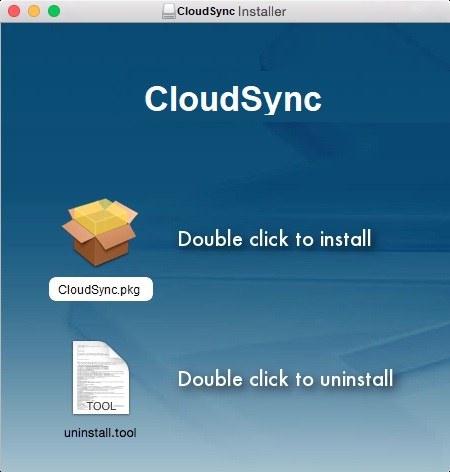
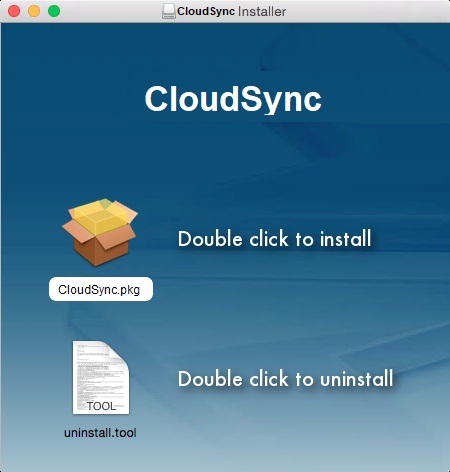
Run the downloaded installation file and you will see the following screen. Double click on "CloudSync.pkg".
-
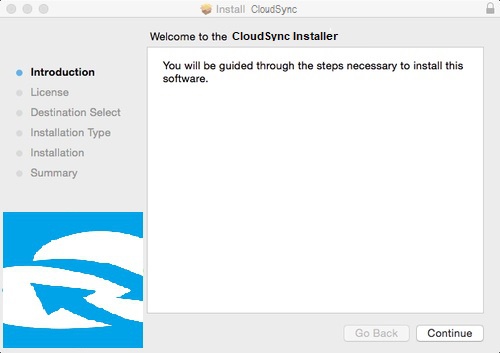
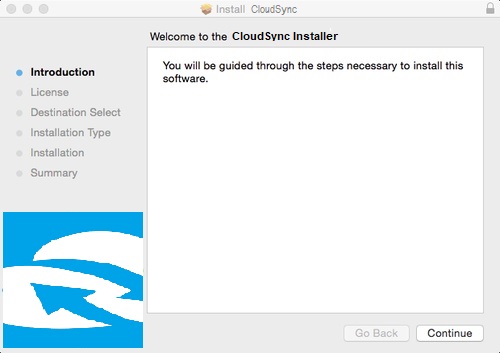
Click "Continue" if you see the welcome screen.
-
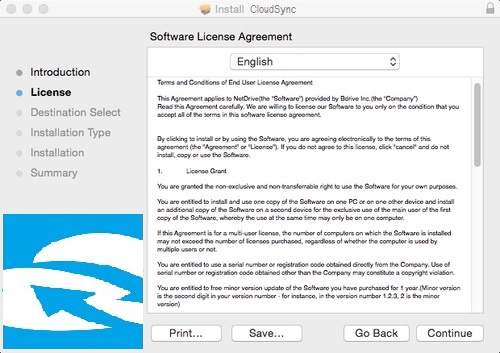
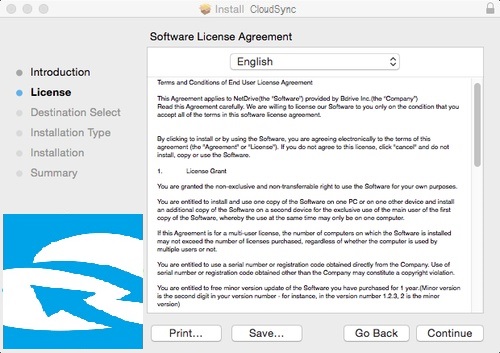
Read the EULA (End User License Agreement) carefully and then click "Continue".
-
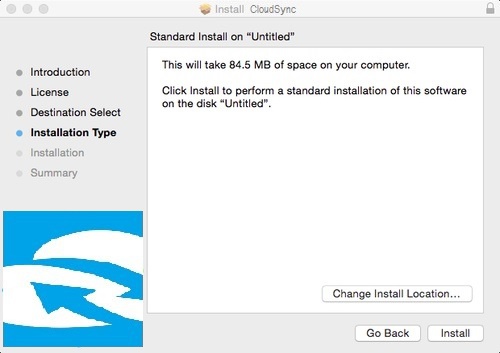
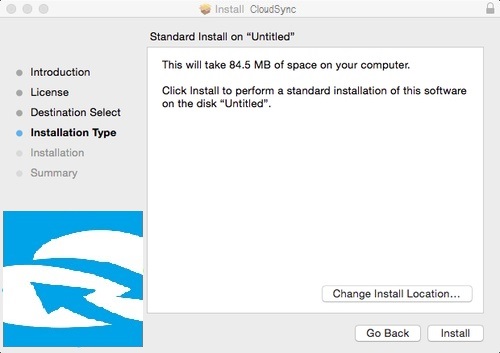
Choose the installation path. Click "Install" to proceed with the installation.
-
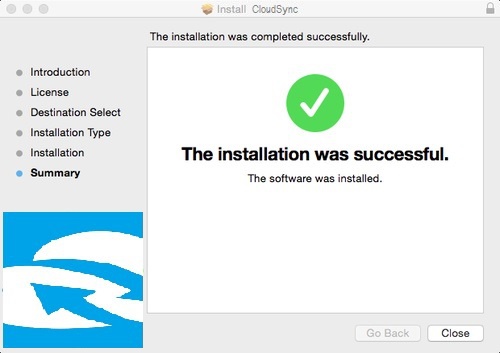
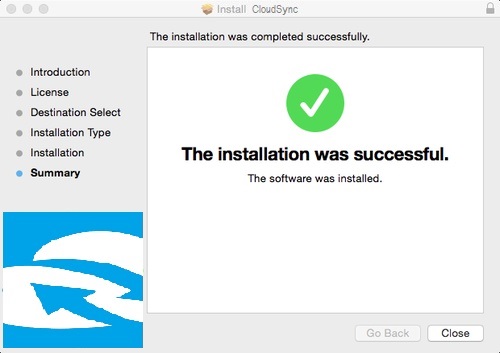
You will see the following screen after completing the installation process.
- For any unexpected installation problems, please visit CloudSync Support and write your problem to our technical team.