-
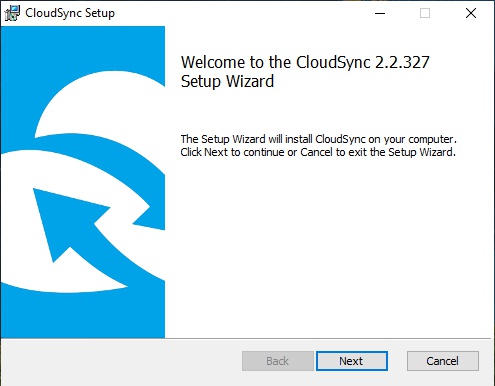
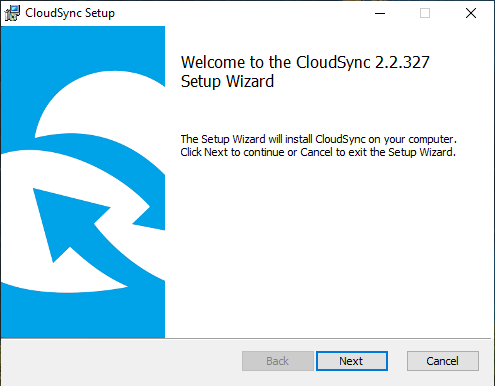
Run the downloaded installation file and you will see the following screen. Click "Next".
-
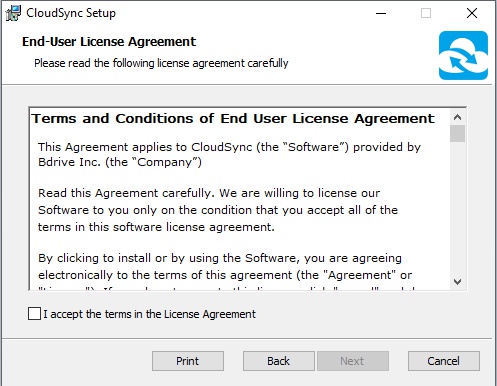
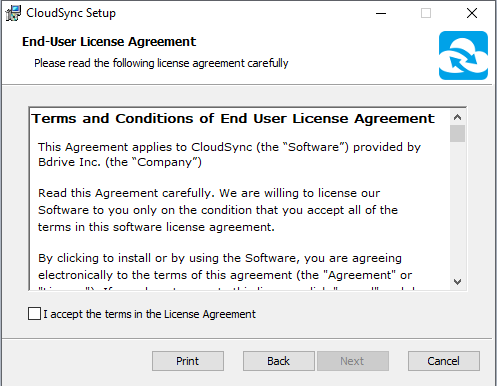
Carefully read the EULA (End User License Agreement) and then check "I accept the terms in the License Agreement". Click "Next".
-
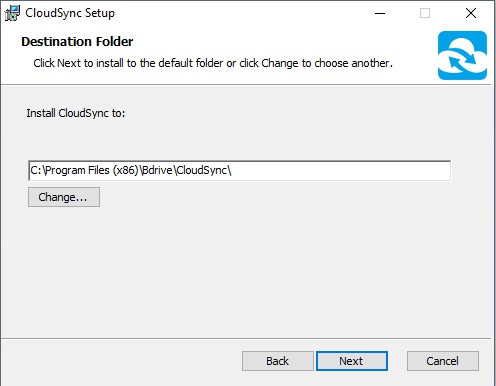
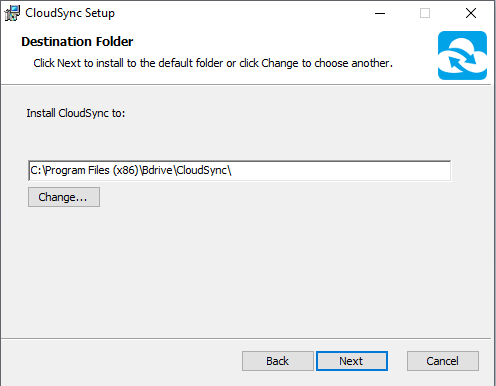
Choose the installation path. Click "Change" if you need to modify the destination folder.
-
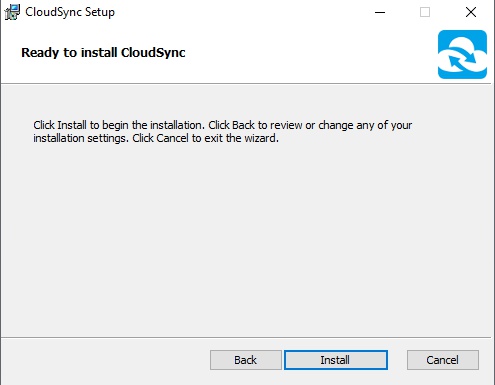
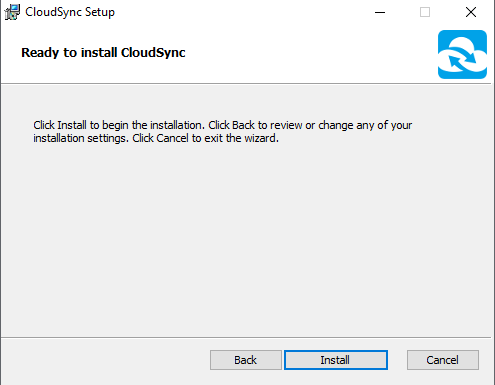
Now you are ready to install. Click "Install" to start the installation. Note that administrative privileges are required.
-
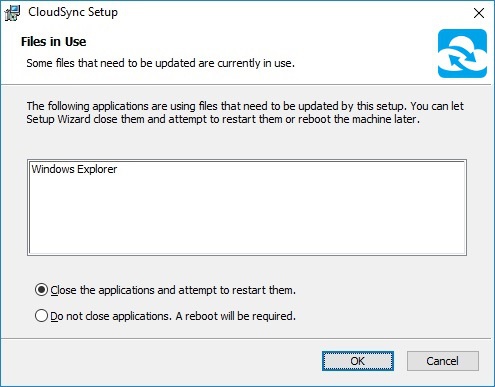
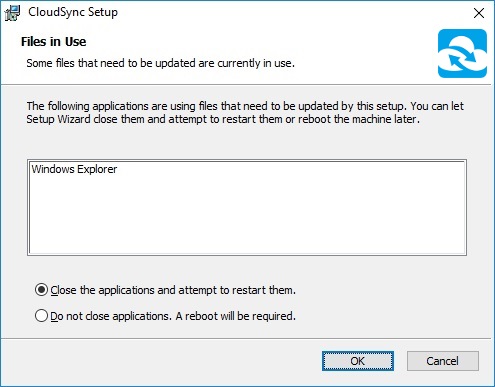
Restart Windows Explorer.
-
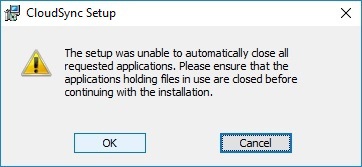
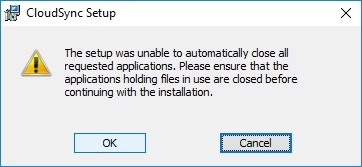
Click "OK" if you see the following message.
-
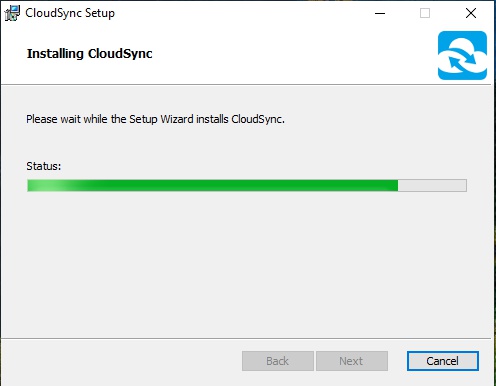
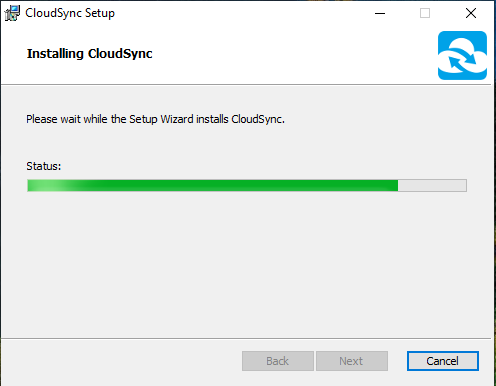
Now you start copying the files.
-
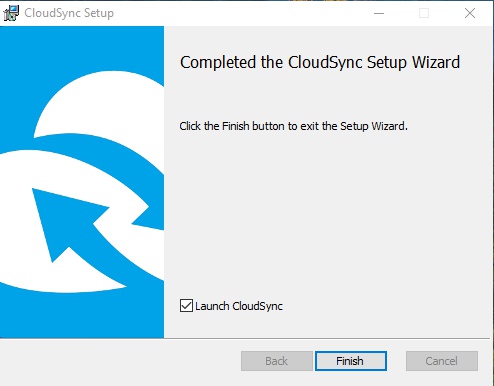
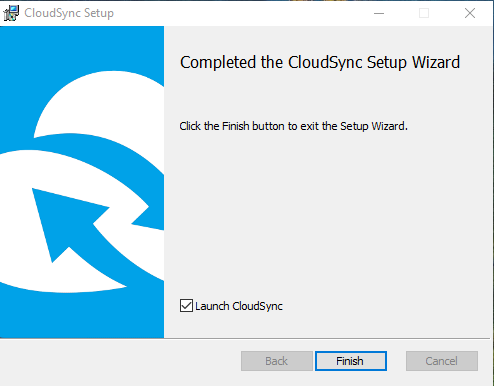
Run CloudSync if the installation is complete.
-
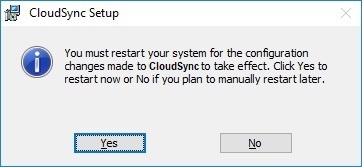
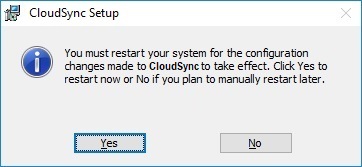
You may see the following message if a system restart is required. Restart and then run CloudSync.
-
For any unexpected installation problem, please visit CloudSync Support and write your problem to our technical team.
-
Your log file will be saved in C:\Users\user_account\AppData\Local\Temp\CloudSync as CloudSync_Install.log, CloudSync_Setup.log. It will help us verify your problem if you attach these log files.