Sync up
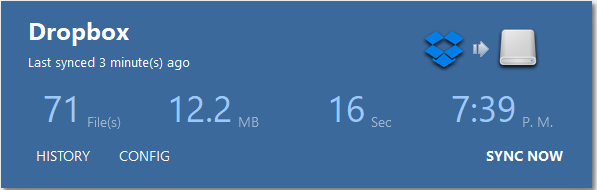
You can synchronize your disks, either local or in the cloud, by clicking the "SYNC NOW" button. It will return to "PREPARE" and then "SYNCING" while synchronizing the discs.
Synchronization works in one-way. If you change files on source storage it will be applied to destination in your next sync. If you remove files which does not exist on source storage there will be no actions taken.

There are four sub-menus to select while not connected to a remote server.
- HISTORY : Shows synchronization history by date.
- CONFIG : Change the task settings.
- DELETE : Deletes the current task.
- SYNC NOW : Performs synchronization between disks, as specified in the task settings.